Share One Audio File Without Sharing the Whole Cloud Folder
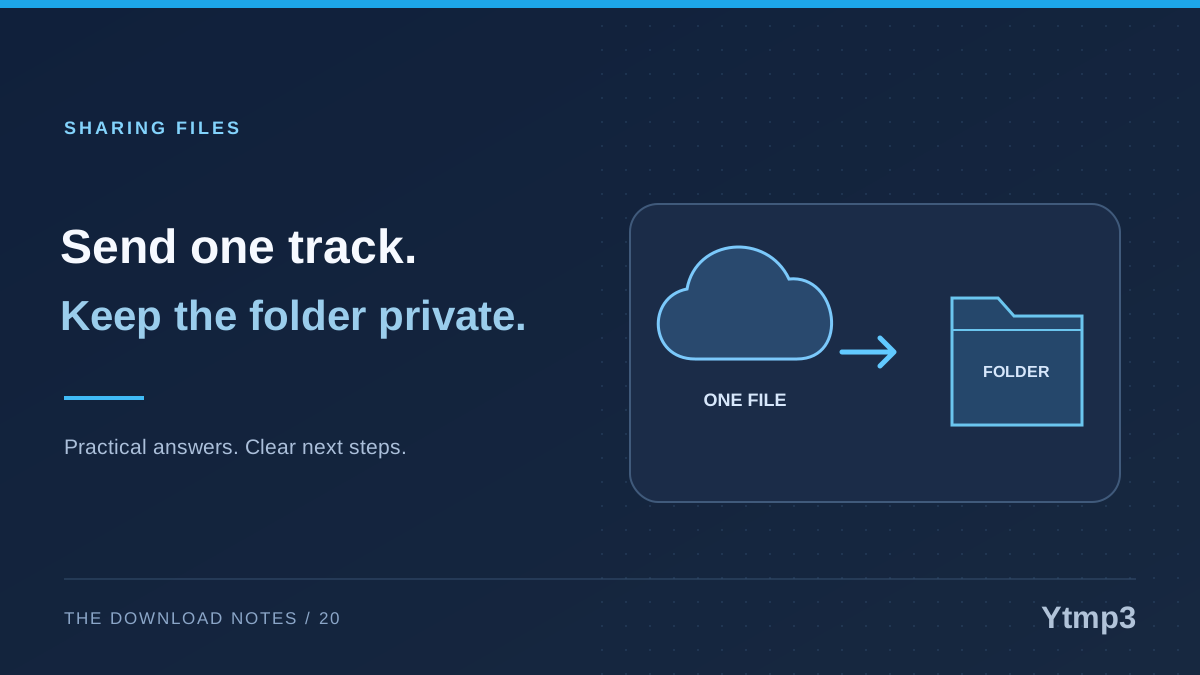
Sending someone an audio-file copy and granting access to a cloud folder are different choices. If you intend to share one recording, select that file and review the recipient and sharing action. Do not assume a folder invitation is simply another way to send the same attachment.
After saving audio through Ytmp3, share only material you own or have permission to send. A convenient download does not automatically grant redistribution rights. Once that permission is clear, a focused sharing workflow helps avoid including unrelated files or opening a broader collection than intended.
Choose between a copy and ongoing access
A file copy gives the recipient an item they can receive and handle separately. Sharing access to a cloud location can instead create an ongoing relationship with the item or folder, depending on the service and permissions you choose. These are different arrangements even when both begin from a Share menu.
Imagine sending a colleague one rehearsal recording you created together. An attachment may fit that one-time task. Inviting the colleague into the folder containing every rehearsal, working note and draft would be a much broader decision.
Make the distinction before selecting a method. Ask whether the recipient needs this particular file now or continued access to a changing collection. If the answer is one recording, start from that recording rather than its parent folder.
Inspect the selected item before opening Share
In the iPhone Files app, a file can be shared through its available Share action and sent using a supported method such as AirDrop, Messages or Mail. The options depend on the device, installed apps and context. Review what is selected before choosing a destination.
Check the filename, format and location. If there are several similar recordings, open the intended one briefly before sending it. A confident selection is more useful than relying on a thumbnail that looks the same for every audio file.
Be particularly careful with multi-select mode. It can remain useful after a previous task, but an extra selected item can change what leaves the device. Count the intended files and inspect any attachment preview rather than assuming the last item tapped is the only one included.
Use a method that fits the recipient
A sharing method must work for both sides. Consider whether the recipient is nearby, which app they use and whether that app accepts the actual file size. Do not assume that a familiar contact name proves the correct account or device has been selected.
For a fictional rehearsal handoff, a short message can identify the recording and explain why it is being sent. A name such as rehearsal-second-take.mp3 plus a sentence about its purpose reduces confusion. Avoid placing unnecessary personal details in the filename or message.
If a transfer fails because of a size or app limit, identify the limit before retrying repeatedly. Renaming the file does not change its contents or bypass the recipient's requirements. Choose an appropriate method without granting access to an entire folder merely because it appears convenient.
Review the final handoff
Before sending, inspect the recipient and selected attachment one more time. If the interface is offering a link or invitation rather than an attached copy, review the access scope and permissions carefully. Do not accept broader access than the task requires by default.
When you need to send several recordings together, a ZIP of selected MP3 files can make the package easier to identify. Check its contents first. Bundling files does not make unrelated items appropriate to share, nor does it guarantee a large size reduction.
- Confirm that you may share the recording.
- Select the intended file, not its whole parent folder.
- Review the recipient account or device.
- Check whether the action sends a copy or grants access.
- Inspect any final attachment or permission summary.
Understand what control remains afterward
Once someone receives a separate copy, do not assume you can recall every later copy they create or forward. A cloud-sharing permission may offer a way to end future access, but that is not the same as retrieving material someone has already saved elsewhere.
For that reason, decide whether the recipient should receive the recording before sending it. A promise to revoke access later is not a substitute for choosing the right scope now. Keep the message and any ongoing sharing arrangement consistent with the task.
Organization can help you select accurately. The article on Files tags for audio on iPhone shows one way to find the right item without maintaining unnecessary copies. A label is still an organizational aid, not a sharing permission.
Does sharing a file automatically share its parent folder?
A file-copy action and a folder-access invitation are different. Check the actual action and scope shown by your app instead of assuming every Share command behaves identically.
Can I revoke a copy after it has been received?
Do not rely on that. A received copy may exist independently of the original sharing channel. Decide what is appropriate to send before completing the handoff.
A good sharing workflow is deliberately narrow: the correct recording, the correct recipient and the access they actually need. That is easier to verify than an open-ended folder invitation you never intended to create.