Duplicate MP3 Downloads: What a Numbered Filename Really Tells You
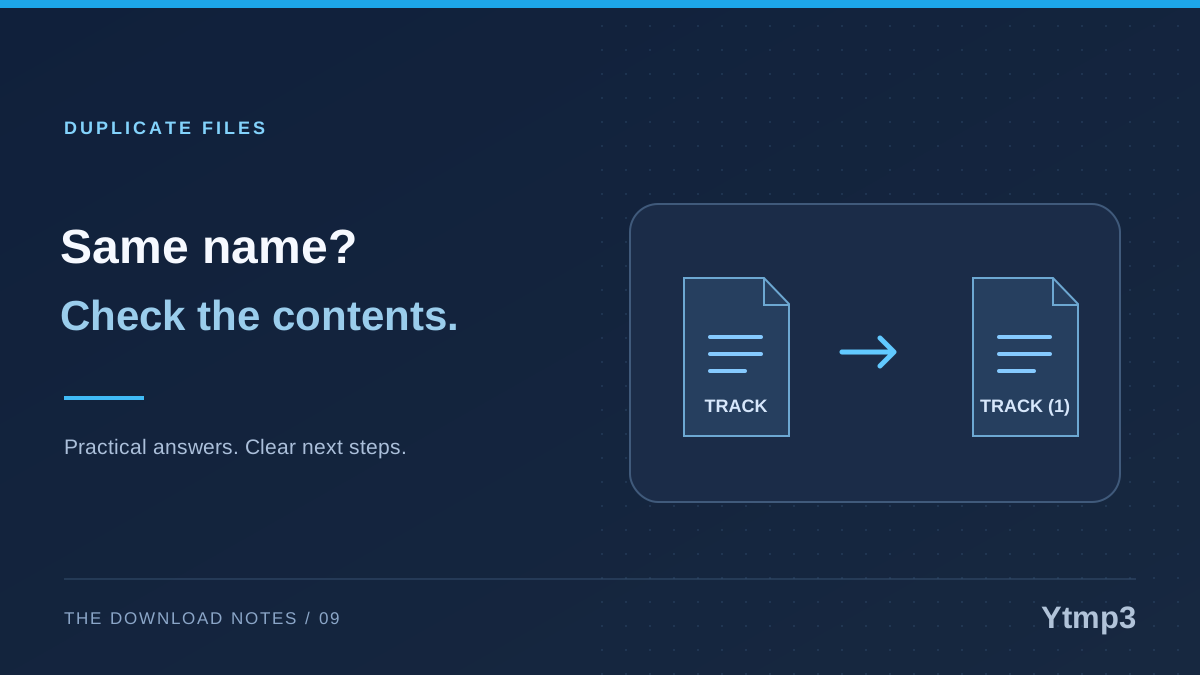
A filename such as track (1).mp3 can be a clue that a file was saved more than once, but it is not proof that two files contain identical audio. Before deleting either copy, compare what each one represents. A repeated title can hide a different take, source, edit or output.
This matters when you return to Ytmp3 for a recording you downloaded earlier. You may intentionally choose another version, or you may simply have forgotten where the first copy went. The resulting filenames are useful starting points, not a complete account of what happened.
Similar names do not establish identical contents
A numbered suffix can help a browser or file manager avoid replacing an existing name. It tells you there was a naming situation to resolve, not necessarily that the new file is redundant. The descriptive part may have come from a source title that several recordings share.
Consider two fictional downloads called garden-session.mp3 and garden-session (1).mp3. One could be a short rehearsal excerpt and the other a complete performance. Alternatively, they could be repeated transfers of the same output. The name alone cannot settle which case applies.
The reverse is also possible: different names may describe the same recording. Renaming a copy for a project does not create different audio. A careful cleanup therefore looks at both the labels and the actual files instead of searching only for parentheses or matching titles.
Compare the versions you actually have
Start with the information available in your file manager or player. Check the extension, file size, duration and any useful source description you retained. These details can reveal an obvious difference, but no single detail is a universal duplicate test.
Play a recognizable section from each candidate. If one recording includes an introduction or ends sooner, that may explain why you kept both. If you are comparing several takes of your own performance, listen at the point where the takes differ rather than relying on their shared opening.
File size can be informative without being decisive. Different encodings or attached metadata can produce different sizes for closely related audio. Equally, matching sizes are not enough to establish that two files are identical. Use those observations to guide a decision, not to justify an automatic deletion rule.
Review duplicate candidates rather than accepting them blindly
Files by Google offers a duplicate-file cleanup feature and identifies an original-marked item it recommends retaining. Use the candidates as a review list. Confirm the selected files and the action before moving anything to the bin.
Keep your purpose in mind. You may intentionally maintain a working copy in one folder and another copy on removable storage. A cleanup action that removes one of them could defeat that arrangement, even if the audio itself is the same.
Do not run a broad cleanup while rushing to free space for an immediate task. Start with a small group you understand. Where recovery is available, leave time to confirm that your player, project or transfer folder still has the copy it needs before permanently clearing removed items.
Decide which copy serves a real purpose
A useful decision is more specific than “keep the newest.” The newest file might be an incomplete transfer, while an older one is the copy you already verified. Conversely, a newer copy might be a deliberate correction of the wrong version.
For each group, ask three questions: which recording did I intend to keep, which file have I checked, and which location do my apps or projects use? Those answers help you choose a retained copy without relying on dates alone.
- Keep distinct versions when their differences matter.
- Keep a verified original while checking a new transfer.
- Label intentional backup copies so their purpose is clear.
- Remove only candidates you can identify confidently.
If the copies came from a card transfer, review the copy-first SD card workflow before deleting the source. A destination should be tested before it replaces a copy you already trust.
Prevent avoidable repeat downloads
A known destination and a recognizable name reduce accidental repeats. Before requesting another file, inspect the folder where you keep that collection. A browser's old transfer record is helpful, but it is not the collection itself.
The explanation of download history versus saved music files is especially useful if a cleared list makes you think the audio has disappeared. Search the actual destination before adding another numbered copy.
When starting from a search result, also compare the selected recording. The same phrase can lead to several versions, so record a meaningful distinction in the filename when necessary. Better selection and clearer storage usually make later cleanup less ambiguous.
Are two files with the same song title duplicates?
Not necessarily. The title may describe different performances, edits or encodings. Compare the files and decide whether their differences matter for your use.
Should I delete every filename containing a number in brackets?
No. A numbered suffix is only a naming clue. Inspect the file before removing it, especially when it could be your only verified copy of the intended recording.
The goal is not the smallest possible file count. It is a collection in which each retained copy has an understandable purpose and every deletion is deliberate.