Does a YouTube Timestamp Link Create a Trimmed Download?
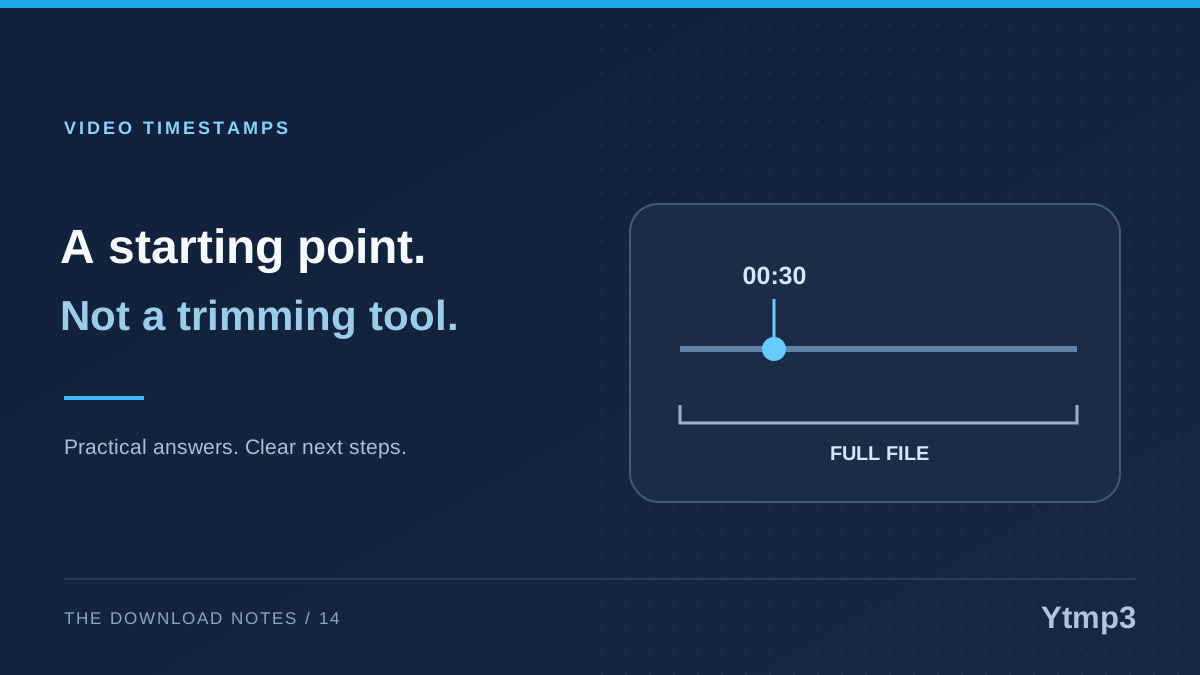
A YouTube timestamp tells playback where to start. It does not, by itself, establish that a separate downloader will cut the saved file at that point. Playback instructions and media processing are different things, so a link that starts halfway through a video should not be treated as proof of an audio-trimming feature.
When you paste a link into Ytmp3, first confirm the selected source and the options actually offered. If you need a precise excerpt, check whether the workflow explicitly supports that operation. Do not assume the timestamp silently replaces the start of a downloaded file.
What a start-time link controls
YouTube's sharing controls can include a start time so another viewer begins at a chosen point. This is useful for directing attention to a particular moment. The underlying video remains the same source rather than becoming a new, shorter recording.
Imagine sharing a moment from your own ten-minute rehearsal where the second exercise begins. A start-time link helps the viewer reach that moment. It does not necessarily describe an end point, create a separate file or remove everything that came before it.
That distinction is enough to answer the central question. A playback timestamp documents where viewing should begin on the source platform. Any separate service's trimming behavior must be established through its own supported controls and the actual output.
Define the excerpt you need before processing
If your task requires a clip, write down the intended start and end in ordinary terms. For example, you might need the complete second exercise, including its final note, rather than everything after a particular second. A starting position alone does not express the whole task.
Also consider what belongs around the excerpt. An opening explanation, a pause or a closing phrase may matter to the listener. Selecting a precise portion is an editorial decision, not just a matter of finding a number in the playback bar.
Use material you own or are permitted to edit and save. A convenient timestamp does not grant additional rights, and a publicly shareable moment is not automatically permission to redistribute a standalone clip.
Check the tool's real controls
A tool that supports trimming should make the operation clear enough to verify. Do not infer it from a general Convert button or from the fact that a timestamped link was accepted. Acceptance may only mean the tool recognized the underlying video.
The YouTube Downloader page can help you begin with a source and choose an available file. It should not be interpreted as an undisclosed editing suite. Use only the functions the actual interface and result demonstrate.
If no trimming controls are available, treat the returned output as an unverified duration until you inspect it. For a precise editing task, use an appropriate editing workflow for your authorized source rather than relying on hidden behavior or repeated guesses at link parameters.
Inspect the saved result itself
After saving, open the actual file and check its beginning, ending and duration. A familiar first sound can be misleading when two versions have a similar introduction. Listen at the points that establish whether the result fits your intended excerpt.
Suppose you wanted a two-minute exercise from a longer personal recording. If the saved file contains the whole rehearsal, the transfer may still have worked as a full-file download. What did not happen is the trimming operation you expected. Describing those outcomes separately makes the next step clearer.
- Confirm the underlying source is the correct recording.
- Check whether start and end controls were actually available.
- Open the saved file from its destination.
- Inspect the beginning and ending, not just the filename.
- Keep the authorized original when further editing is needed.
Do not rename a full-length file as if it were a finished excerpt. A descriptive label should follow verification, not substitute for it.
Avoid unnecessary repeated conversions
Once you discover that the file is longer than intended, repeatedly downloading and re-encoding the same audio is not a reliable way to create the desired boundary. Keep a known source and choose a workflow that actually supports the edit you need.
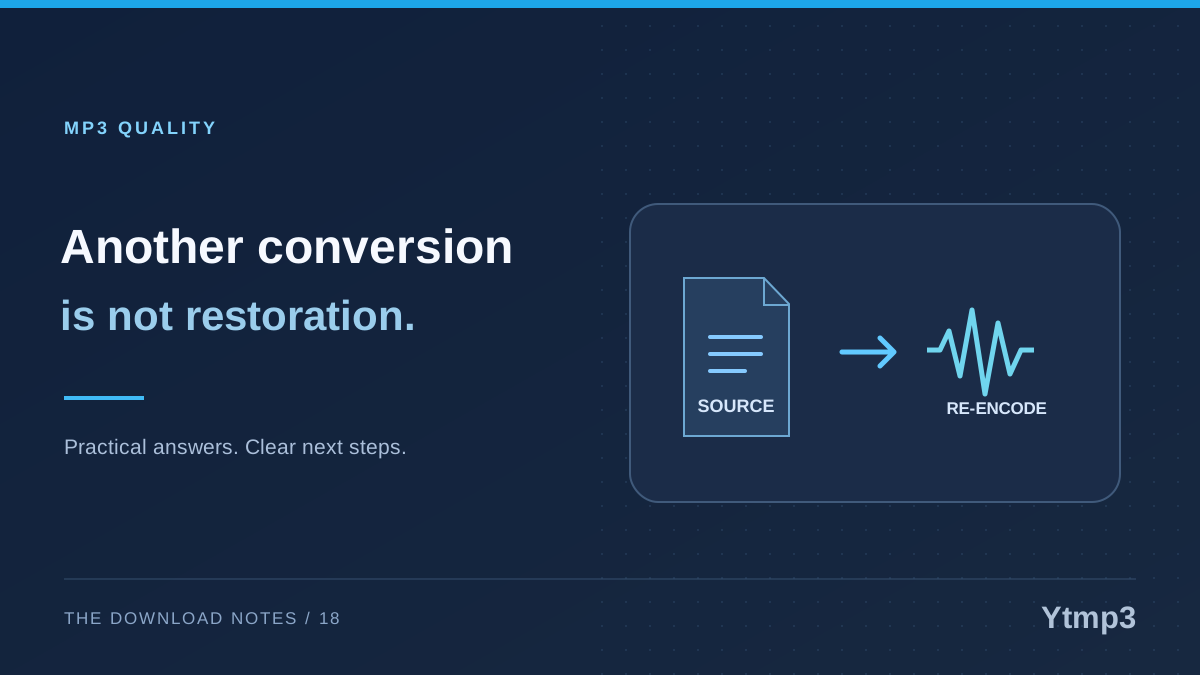
For lossy audio, unnecessary re-encoding can add another reason to avoid guesswork. The explanation of why reconverting MP3 does not restore lost detail separates genuine editing needs from repeated conversion without a clear purpose.
Does a timestamp change the video's duration?
A start-time share instruction changes where playback begins for the viewer. It does not itself shorten the underlying source video.
Can I assume the saved audio starts at the same second?
No. Verify the downloader's actual capability and inspect the result. A timestamp in the input is not sufficient evidence of a trimmed output.
The reliable approach is to state the task clearly: source selection, desired excerpt and final format. Check each step independently, and let the saved file confirm the outcome instead of relying on what the link appeared to imply.